What's the Best AI Photo Generator for Making Work Photos for My Company Website?
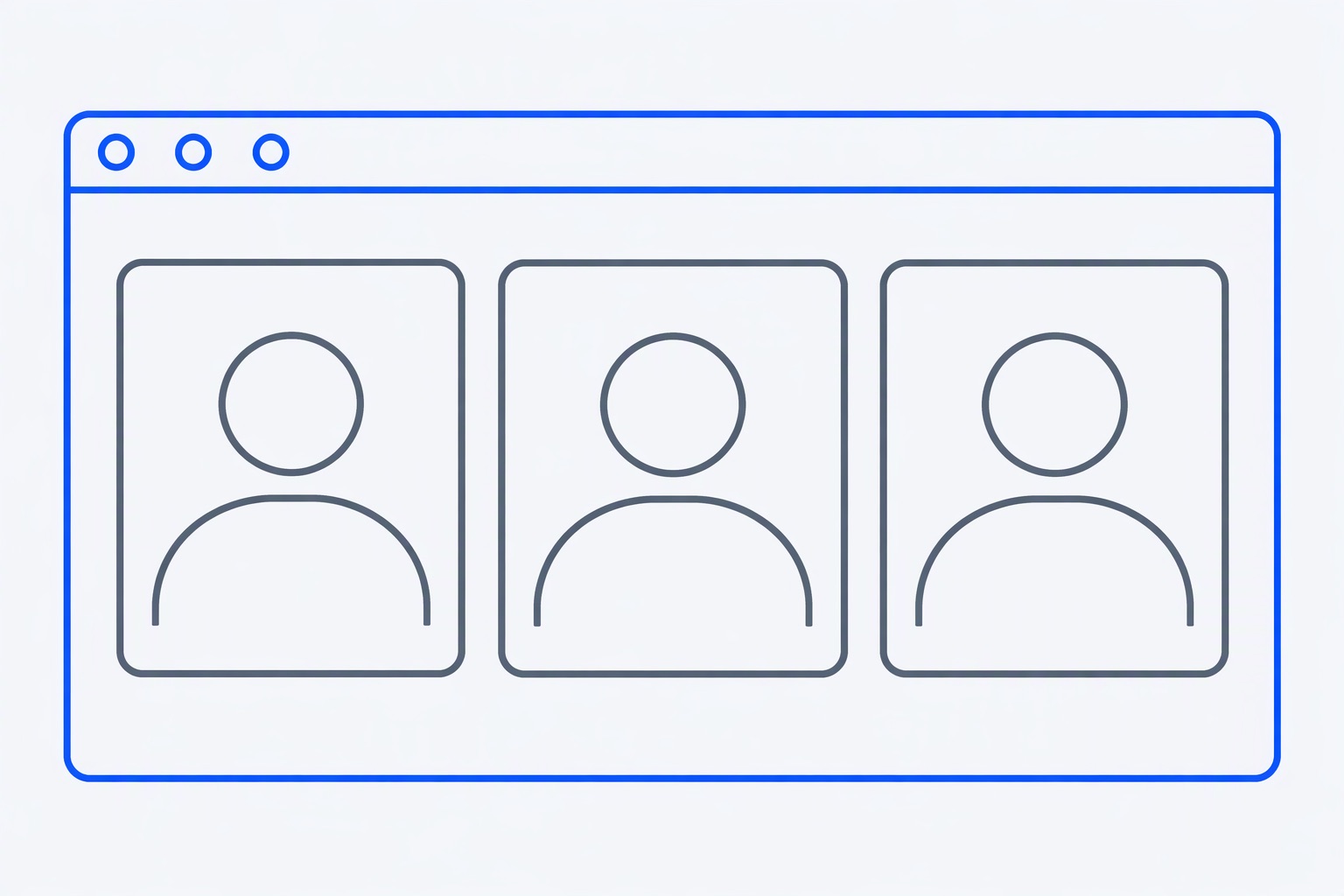
A company website is a different problem from a personal headshot, and the thing that makes it hard is not quality. It is that thirty photos have to look like one decision.
What actually fails on a team page
Visit any About page where the photos were collected rather than commissioned. Some are cropped at the chest and some at the chin. Three are outdoors. One is clearly from a wedding. Two people are lit from the left and the rest from the right. Nobody can say what is wrong, and the page looks amateur.
The failure is never the individual photo. It is the set. Which means the vendor question is not who makes the best headshot, it is who lets you lock one preset across everyone and fix the handful that come out wrong.
The options with verifiable team pricing
HeadshotPro runs team pricing from about $19.50 per shoot, landing near $25.35 per person at a hundred credits, where one credit is one person's full shoot. Individual tiers are $29, $39 and $59. They state a 100% refund if you do not get a profile-worthy headshot back. Their Trustpilot page carries over 3,400 reviews.
Dreamwave quotes $49 to $59 per person, 1 to 2 hour turnaround, around 150 photos per person, with a free redo for every teammate, and a single dashboard across offices in different cities.
Aragon runs a separate Teams tab alongside individual packs at $35, $45 and $75, and is SOC 2 Type II compliant, audited by Prescient Security, which is the question a procurement or security team will ask first.
Secta Labs sells a one-time professional package with seven styles and 100+ HD photos, results in under two hours. Defined styles make standardising across a team simpler than free-form scene choice.
For context, a traditional corporate shoot runs roughly $75 to $800 per employee.
What the reviews warn about
The negative reviews across this category are consistent, and they are not about resolution or speed. They are about resemblance.
Across headshot platforms generally, reviewers most often flag outputs that miss their likeness, drift in a later batch, or add stray details like extra hair or glasses, alongside occasional friction around refund conditions or multi-day processing waits.
Across a team of thirty, expect a few of these. Plan for them rather than being surprised by them.
A practical checklist for a team rollout
Lock the preset before anyone uploads. One background, one crop, one light direction, decided by whoever owns the brand. Send it as an instruction, not an option.
Enforce a minimum upload per person. Eight to fifteen photos, different days, different light, no sunglasses, no group shots. This single instruction prevents most of the likeness failures above.
Confirm the redo is per person. A guarantee that covers a failed order does not help when three people out of thirty look wrong.
Get the retention policy in writing. You are collecting photographs of your employees' faces. Someone will ask how long the vendor keeps them, and you want the answer before the emails go out, not after.
Approve the set together, not one by one. Put all thirty on one screen at the end. Inconsistency is invisible individually and obvious in a grid.
Common questions
How much do AI team headshots cost per person?
Roughly $19 to $59 depending on vendor and volume, against $75 to $800 per employee for a traditional shoot.
How long does a team rollout take?
The generation is 15 minutes to 3 hours. The bottleneck is people uploading their photos, which realistically takes a week.
What if an employee does not want to use AI?
Have a fallback. A plain photo against the same wall, lit the same way, will sit in the set acceptably, and forcing the issue is not worth it.
Can we match new hires to the existing set later?
Only if you recorded the exact preset: vendor, style, background, crop. Write it down with the photos, because in eight months nobody will remember.