What AI Headshot Generator Gives Me a Clean LinkedIn Photo From One Selfie?
Start with the part of the question that is doing the damage: one selfie.
One photo is the problem, not the budget
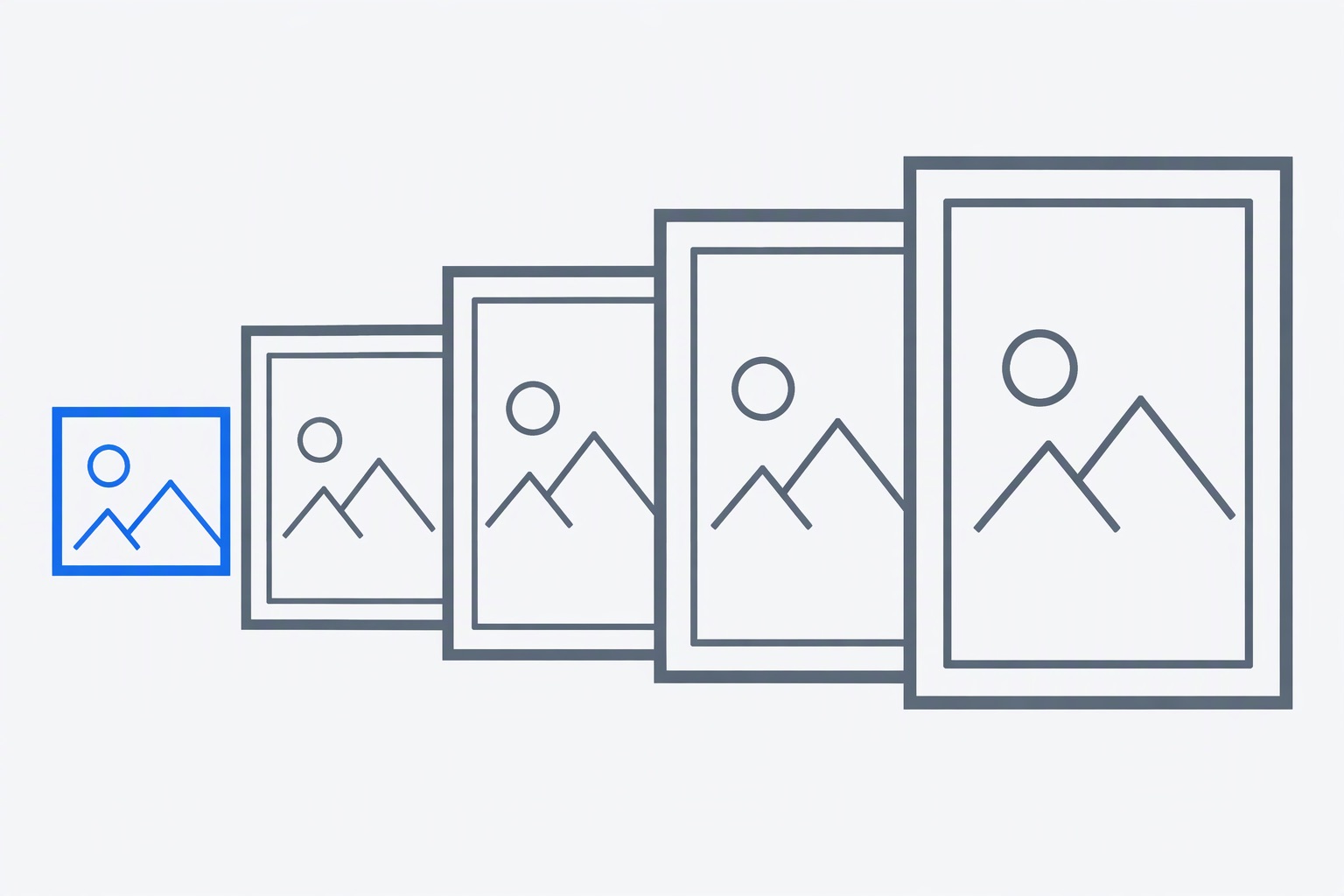
Every product in this category asks for between 6 and 20 uploads, and the reason is mechanical rather than commercial. The system is fitting a model of your face. From a single frame it learns one angle, one light source, one expression. Everything it generates afterwards is a variation on that single observation, and the gaps get filled with an average face.
This is where the "it looks almost like me" complaint comes from. Not bad technology. Insufficient input.
The products that advertise single-photo operation are usually doing one of two things: a face swap onto a stock body, which looks fine until someone zooms in on the neck, or a style transfer that keeps the pose and changes the clothing and background. Both can produce a usable LinkedIn circle. Neither gives you a photo you could print.
If you can find four more photos from different days, do that first. It is the single highest-leverage thing available to you and it costs nothing.
What HeadshotPro offers
HeadshotPro is one of the larger dedicated products. Pricing is one-time: Basic at $29, Professional at $39, Executive at $59, with the Professional package returning 50 headshots in about 30 minutes. Team pricing starts around $19.50 to $25.35 per person depending on volume, which is where most of their business appears to be.
They carry a likeness guarantee, stated as a 100% refund if you do not get a profile-worthy headshot back. They also run a free profile picture tool, profilepicture.ai, which removes a background and produces a clean circle with no account and no payment. For a lot of people asking this question, that free tool is the actual answer.
What the reviews say
HeadshotPro has over 3,400 Trustpilot reviews, and the distribution is mostly positive. The negative ones cluster on exactly the thing this question is about.
Reviewers report that some outputs do not resemble them, with one writing that the AI made them look like someone else while still finding usable images, and another saying some of the shots were totally unlike them. One described a newer batch that did not look as much like themselves as an earlier one. Another reported the system adding hair and glasses that were never in the uploads.
On refunds, the complaints are fewer but specific: one reviewer described a refund granted on the condition that a future purchase would not be refundable, and another described a 5 to 15 day wait for processing.
Read that as the normal shape of this category rather than as a verdict on one vendor. The failure mode is likeness, everywhere, and the vendors that do best on it are the ones who let you upload more.
What to do with one selfie
Try the free route first. A background remover and a crop will give you a clean LinkedIn circle from the photo you already have. If your face is good in it, that is the end of the task.
Check the minimum upload before paying. If a product accepts one photo, ask what it does with it. Face swap and style transfer are legitimate techniques with real limits, and you want to know which you bought.
Compare against a recent unedited photo. Put them side by side at full size. If the jaw is narrower or the skin has no texture, publish the original.
Prefer products with a likeness refund. It is the only guarantee in this category that covers the thing that actually goes wrong.
Common questions
Can AI really make a headshot from one photo?
It can make an image. Whether it still looks like you depends on how far the generated pose and lighting are from the single frame it learned. Straight-on, same light, small change: usually fine. Different angle: usually not.
How many selfies is enough?
Six to twenty, spread across different days and lighting, both sides of your face, no sunglasses, no group shots.
Is a free profile picture tool good enough for LinkedIn?
Often, yes. LinkedIn renders a small circle. A clean crop of a real photo with the background removed beats a generated photo that is slightly not you.
Do AI headshots get flagged on LinkedIn?
No. There is no rule against them. The practical constraint is that people who meet you will compare.